 CPA Pony
See the whole picture
Work with connected account metrics in one project. Compare campaigns over a selected period.
| Campaign | Spend | CPA |
|---|---|---|
| Daily Habits | 4 800 ₽ | 200 ₽ |
| Morning Routine | 3 600 ₽ | 200 ₽ |
| Focus Time | 2 400 ₽ | 200 ₽ |




Combine ExoClick data with results from other tools. Monitor your advertising and manage it with your own rules in CPA PONY.
Bring your advertising connections into a shared workspace.
Match advertising statistics with tracker conversions and revenue.
Choose conditions, available actions and notifications.
From reviewing metrics to checking outcomes — in one CPA PONY project.
Work with connected account metrics in one project. Compare campaigns over a selected period.
| Campaign | Spend | CPA |
|---|---|---|
| Daily Habits | 4 800 ₽ | 200 ₽ |
| Morning Routine | 3 600 ₽ | 200 ₽ |
| Focus Time | 2 400 ₽ | 200 ₽ |
Set up mappings between your ad network and tracker. Use combined metrics for analysis and automation conditions.
Select objects by their metrics and define actions. Available operations depend on the ad network and object type.
Compare periods and check trends to identify campaigns that need attention.
Same metrics. Two periods.
Open run history to see which steps completed, where an error occurred and what was skipped.
Add a message to the relevant rule branch. Choose recipients and channels in automation settings.
Some campaigns need attention. Review the run results.


Combined statistics, automations and logs, together. The AI assistant helps explore project data within your access permissions.
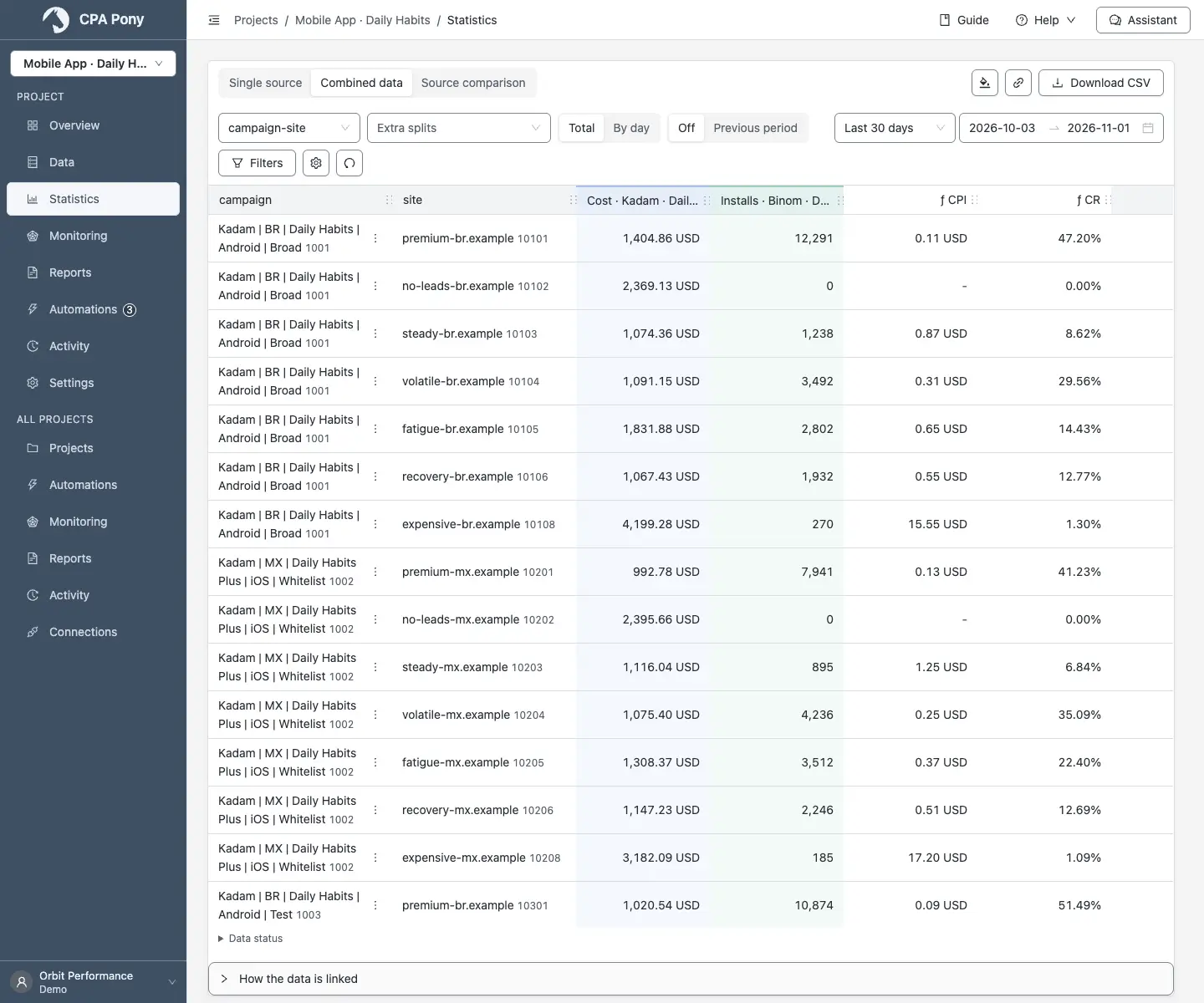 Open full size
Your ad account data becomes part of a CPA PONY project. Analyze it alongside other sources and use it in rules.
No. Available operations depend on the provider and object. When configuring a rule, choose operations supported by your connection.
Yes, after connecting a supported tracker and mapping the objects. Check identifiers, periods and currencies before using combined metrics.
Use a test run to check conditions and object selection without executing actions. After enabling the rule, review outcomes in the log.
Start with a CPA PONY project. Add your connections and configure your rules.