Costs and clicks
Build automation that works with up-to-date data from multiple services at once.
Explore different use cases
Costs and clicks

Conversions and revenue

Visits and goals
Costs, conversions and engagement
Traffic sitesSet to 1.15
2 highest-cost sites per run
Stop further spending
Keep settings unchanged
Project data. Different sites, different actions. Increase coefficient. Top 2 + limit. Disable site. Keep collecting
Move nodes with a mouse or arrow keys.
Costs and clicks
Conversions and revenue
Visits and goals
Costs, conversions and engagement
Traffic sitesSet to 1.15
2 highest-cost sites per run
Stop further spending
Keep settings unchanged
Costs and clicks
Conversions and revenue
Ad CPA within one campaign
AdsUp ≥ 15% in 7 days; at least 5 points
CPA 50% above campaign median
Intersect selections by ad ID
Avoid reacting to a single spike
Ads with rising CPA selected. Check the action log.
 TelegramDelivery channel
Costs and clicks
Conversions and revenue
Daily review · statistics and action history
Traffic sitesLatest coefficient change · 2 closed days on each side
Review the latest change
Continue monitoring
Too few closed days since the change. Keep the coefficient for now.
 MAXDelivery channel
Costs and clicks
Conversions and revenue
Select sites with no conversions
Traffic sitesNot seen in the previous 7 days
Using your exclusion patterns
Review the highest spenders first
5 new sites. The message includes their IDs.
 VK MessengerDelivery channel

Campaigns and costs

Goals and revenue
Campaign cost and revenue
CampaignsROI < 0
Only losing campaigns
Otherwise, no notification
Losing campaigns exceeded ₽5,000. A review is needed.
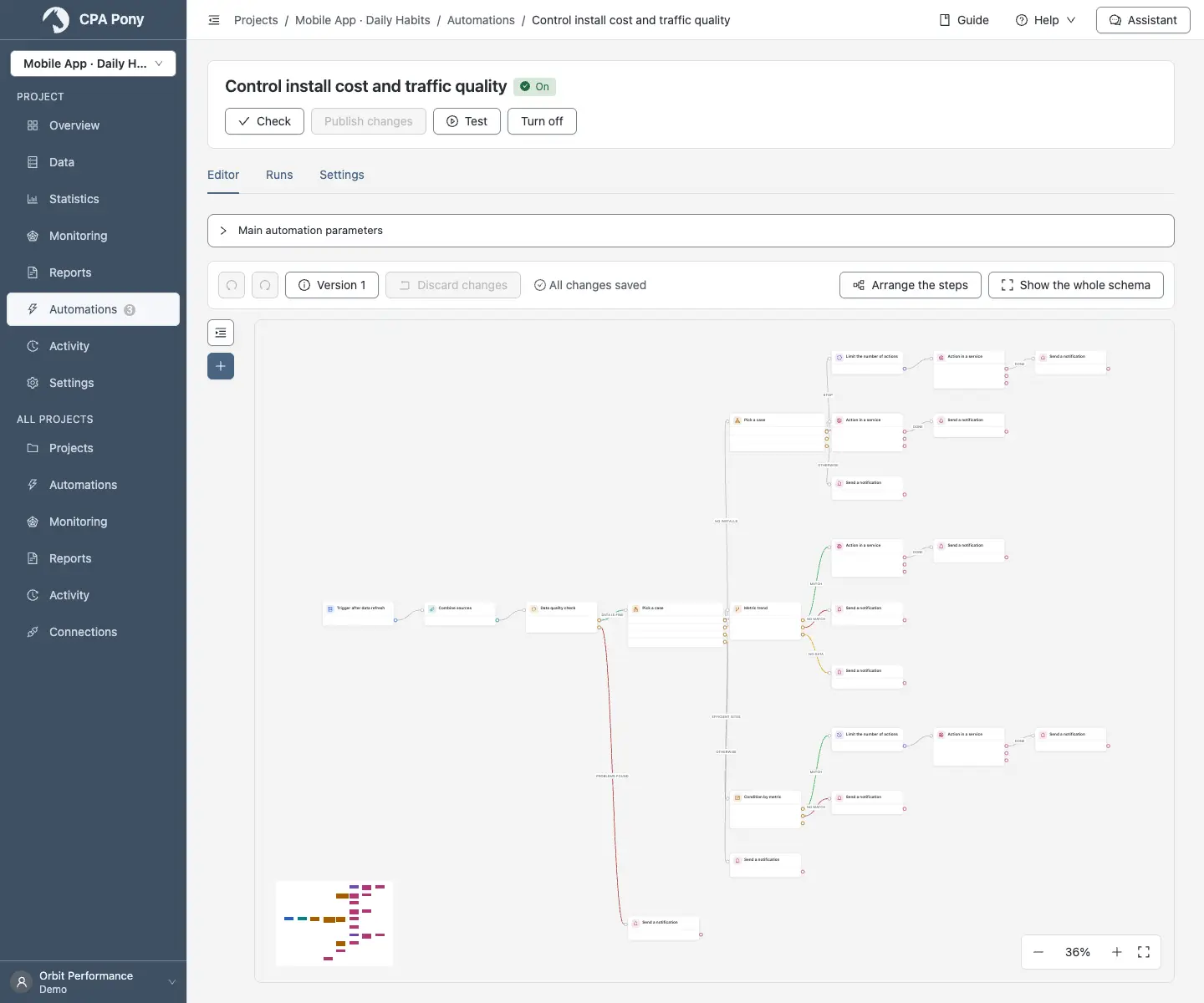
TelegramDelivery channelMAXDelivery channelFrom the first signal to an action. Connect nodes to fit your task — each handles one step.
Choose when your automation starts.
Prepare your data and select the objects to work with.
Define rules and route objects to the right branch.
Evaluate changes, data quality and the effect of actions.
Join branches, perform an action and send an update.
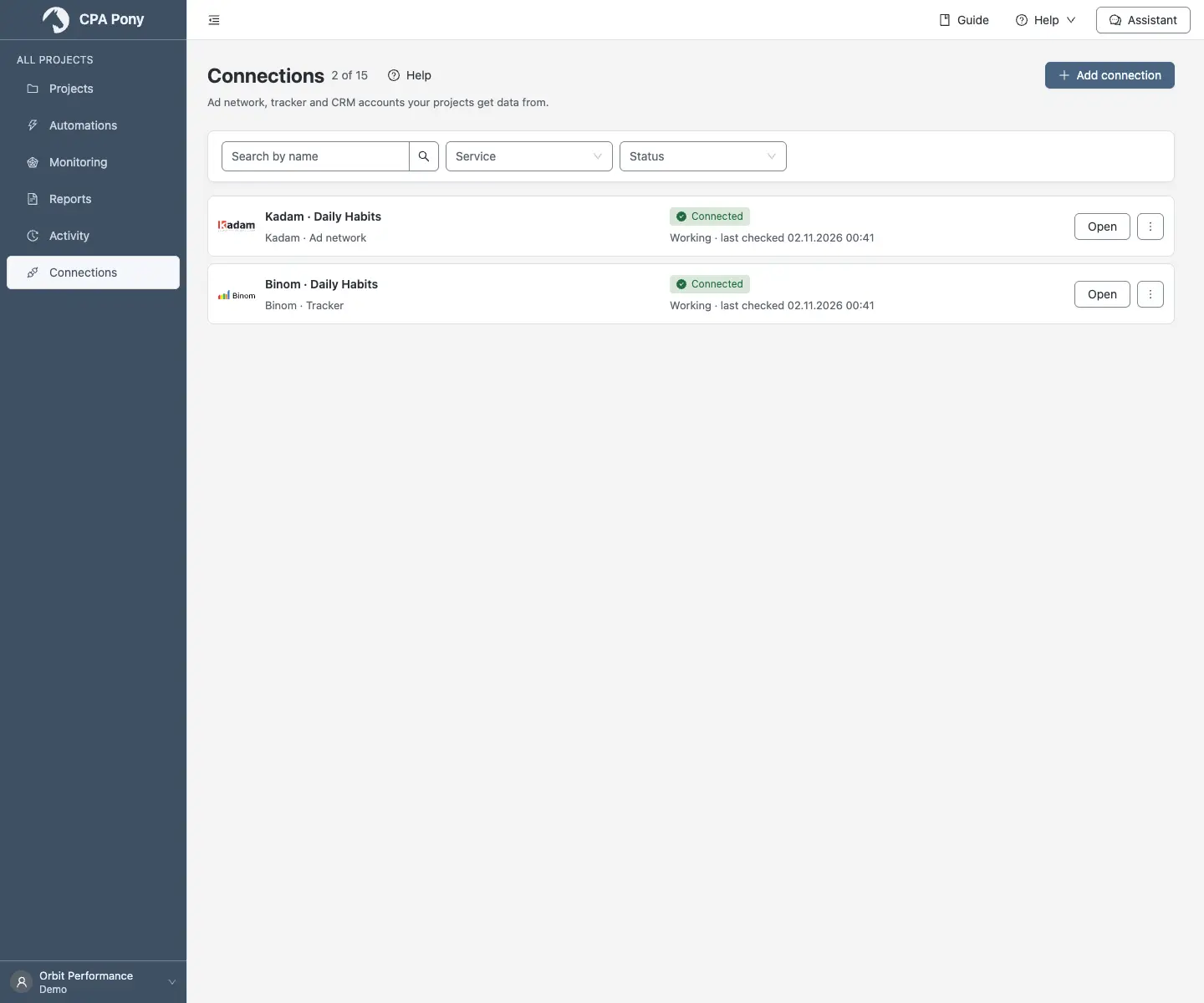
Connect the tools you already use. Work with their data and actions in CPA PONY.
Connections, metrics and your team, organized in projects. Automations follow the rules you set.
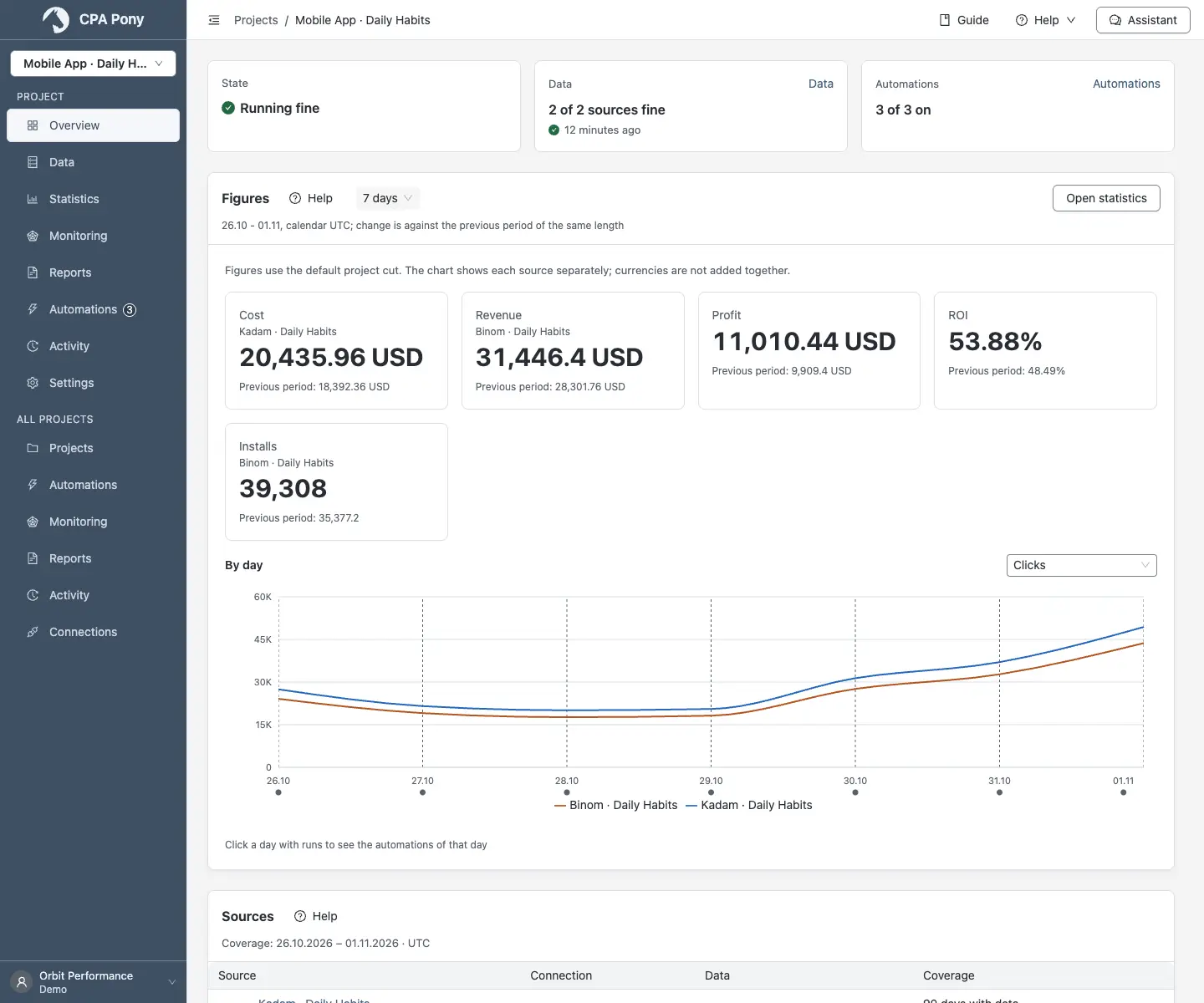
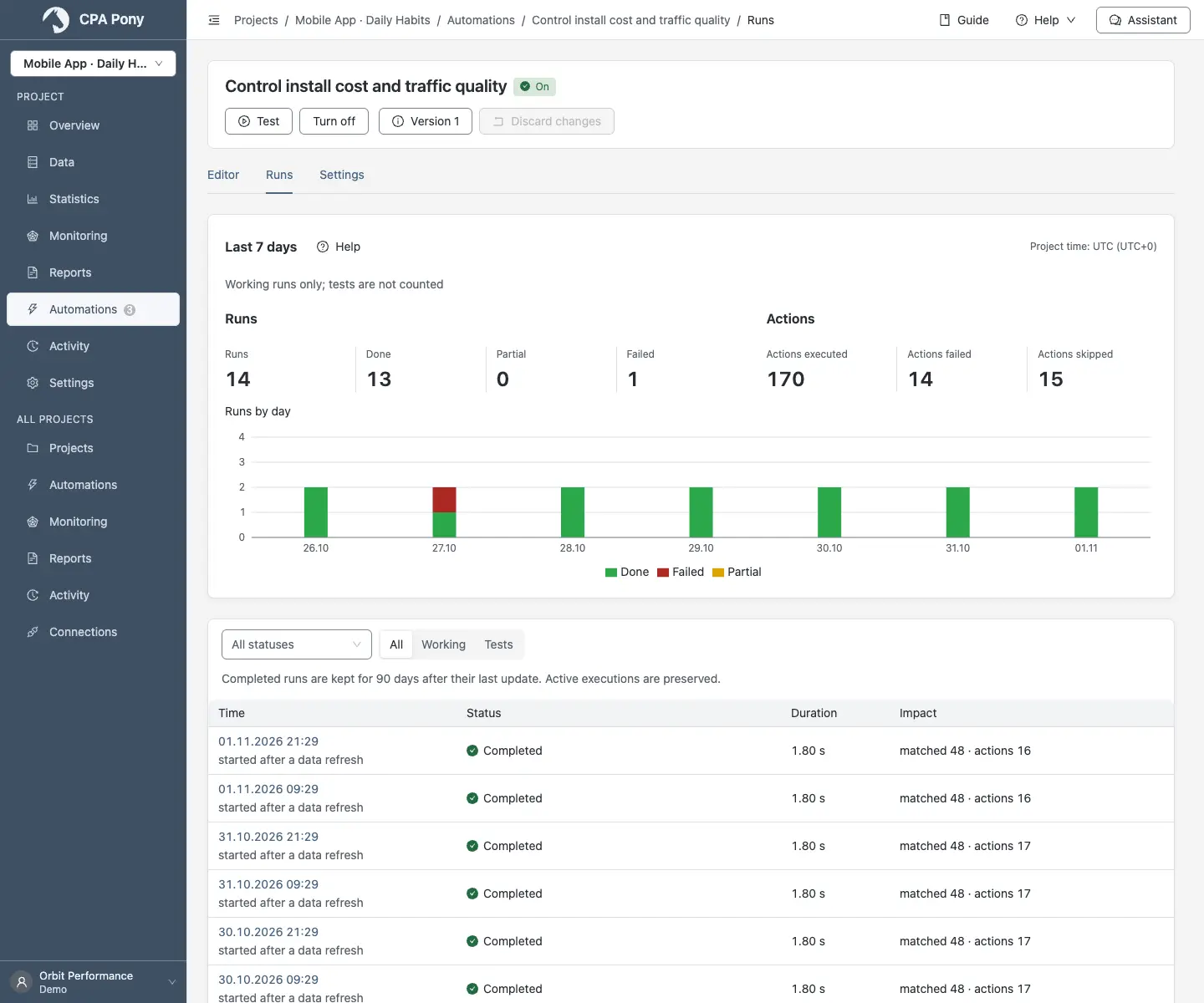
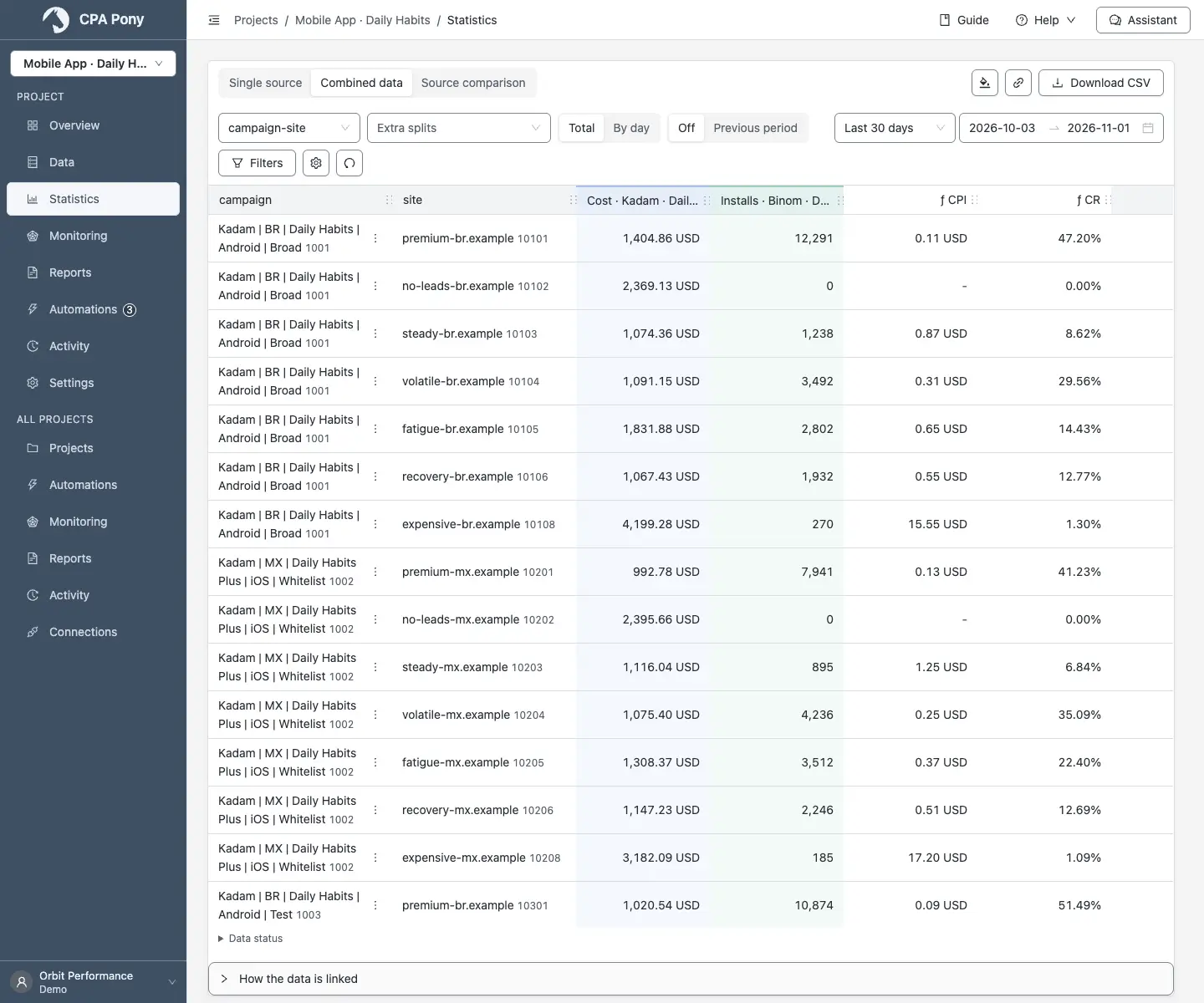
Explore the interfaceExplore performance, review results and prepare your next step.
Ask in plain language. The assistant uses your project data to help you decide what to do next.
Find traffic sites with spend but no installs over the last 30 days.
These two traffic sites have spend but no installs.
| Site | Spend | Installs |
|---|---|---|
| 10102 | $2,254.65 | 0 |
| 10202 | $2,289.77 | 0 |
Kadam + Binom · Merged data
Use project data in the conversation you already work in through MCP.
Summarize the last 7 days: spend, installs and revenue for Daily Habits.
Weekly project totals
Kadam + Binom · CPA PONY project data
AI is included within the plan's usage limits.
0RUB
per month
1,990RUB
per month
5,990RUB
per month
19,990RUB
per month
CPA Pony brings data from different services into one project. Analyze combined metrics and build an automation graph that checks conditions, performs actions and sends notifications.
For media buyers, performance marketers, marketing teams and agencies working with multiple data sources. Compare spend and results, manage advertising with rules and reduce manual checks.
Create an account, connect your services and add them to a project. Configure how their data is matched and collect statistics, then build an automation and test it before enabling it.
Integrations include MGID, Keitaro, ExoClick, Sparrow, Adwile, eTarg and Kadam. Available metrics, objects and actions vary by service and can be checked when configuring a connection.
Choose the fields that link your sources, such as a campaign, ad or traffic-site identifier present in both sources. CPA Pony matches records using those fields so spend from one service and conversions from another can be used together in analytics and automation.
Contact us using the details on this site: tell us which service you need, what data you want to collect and which actions you want to perform. We add integrations based on customer requests and will discuss connecting your service.
Filter traffic sites, ads and campaigns by metrics, compare periods, evaluate trends and limit the number of actions. For example, disable underperforming objects, adjust bids and coefficients, review scaling results and send notifications. Available actions depend on the connected service.
CPA Pony centers on combined project data and an automation graph. You link sources, choose metrics and build logic from conditions, checks and actions. One workflow can use data from several services at once.
The assistant works with data your permissions allow: statistics, automation configurations, run results, monitoring and reports. You can select a project for a request to restrict new data access to it; earlier conversation history remains. Messages and retrieved data are sent to the selected AI model. You can connect your own AI service for the assistant.
Available statistics history depends on your plan: 30 days on Free, 180 on Solo and 365 on Team and Agency. Run logs and other operational history have a 90-day retention period; detailed step inputs and outputs have a 14-day period. Available statistics history and deletion periods for other data are separate settings.
Yes: Profile → Data and consents → Delete account. Your current password and confirmation are required. Deletion is irreversible and runs in the background. For an owner, it also removes owned teams and their data, plus dependent member accounts without other independent teams. Teams where you are only a member remain. Administrative deletion records are retained.
 CPA Pony
Get help connecting. Keep up with what’s new.